Windows Performance Machines
Engineering, 3D Rendering, and Multitasking
The Demand for Compute
STEM programs, architectural courses, and data science degrees require more than basic web browsing. Software like AutoCAD, SolidWorks, and massive local databases require discrete graphics cards (like the NVIDIA RTX series) and high multi-core performance processors.
Heavy duty Windows laptops sacrifice some portability and battery life to house robust thermal management systems—dual fans and vapor chambers—ensuring the system doesn't thermal throttle during a crucial render.
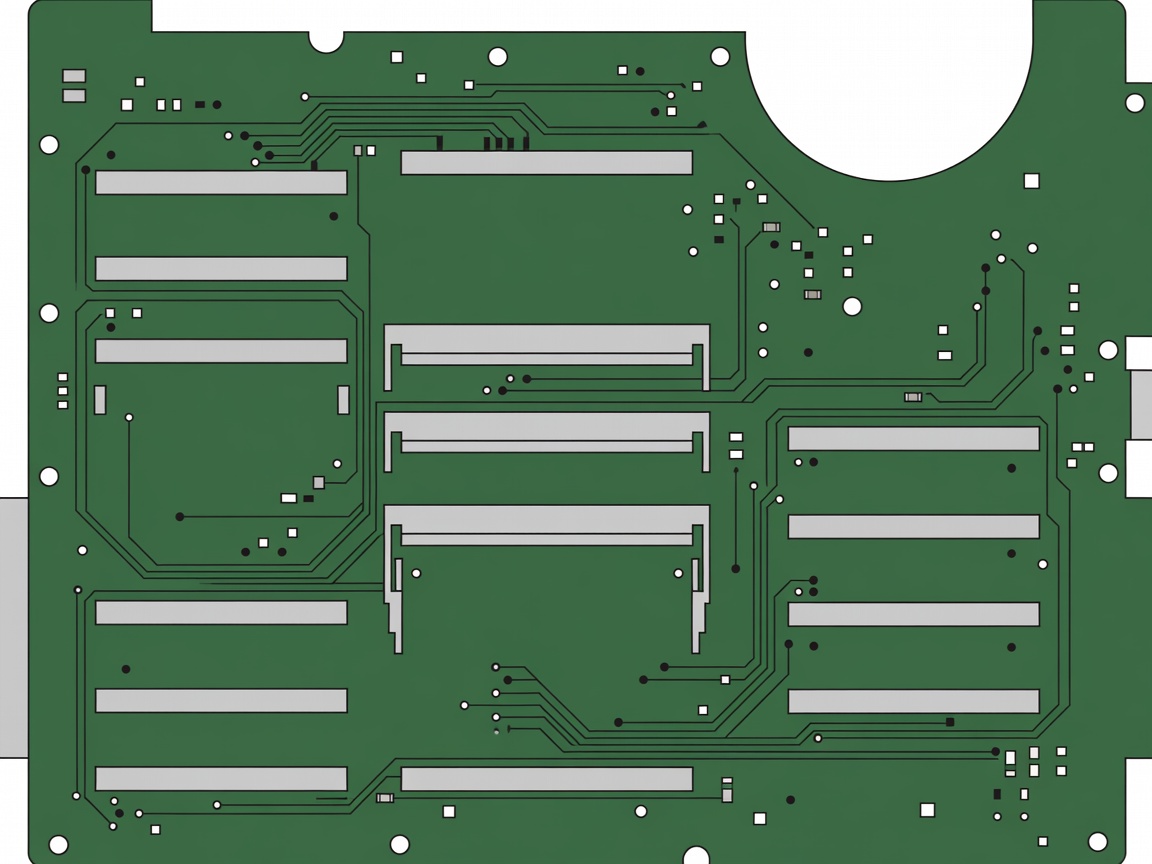
Upgrading Your RAM Modules
Unlike most ultrabooks, many performance Windows laptops feature user-accessible SO-DIMM slots. This allows students to buy a 16GB model now and upgrade to 32GB or 64GB later as their coursework becomes more demanding.
Navigating the Trade-offs
Choosing a performance machine is an exercise in compromise. A 16-inch screen offers exceptional workspace real estate, but increases the weight footprint in a backpack. Consider a machine weighing under 4.5 lbs (approx. 2kg) if your campus involves significant walking, such as navigating the vast MIT or sprawling state university campuses.